Free Coat of Arms Maker and Family Crest Generator
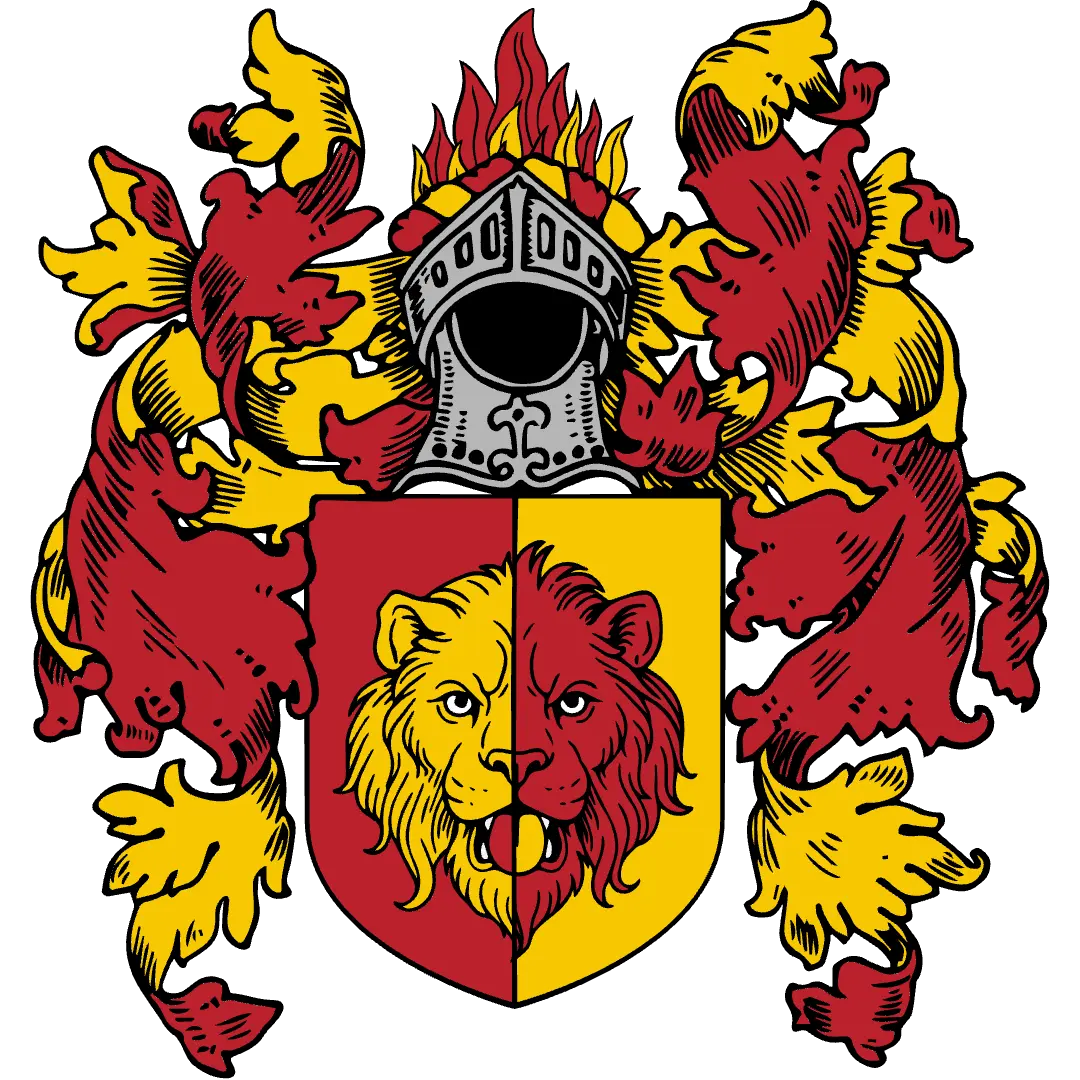
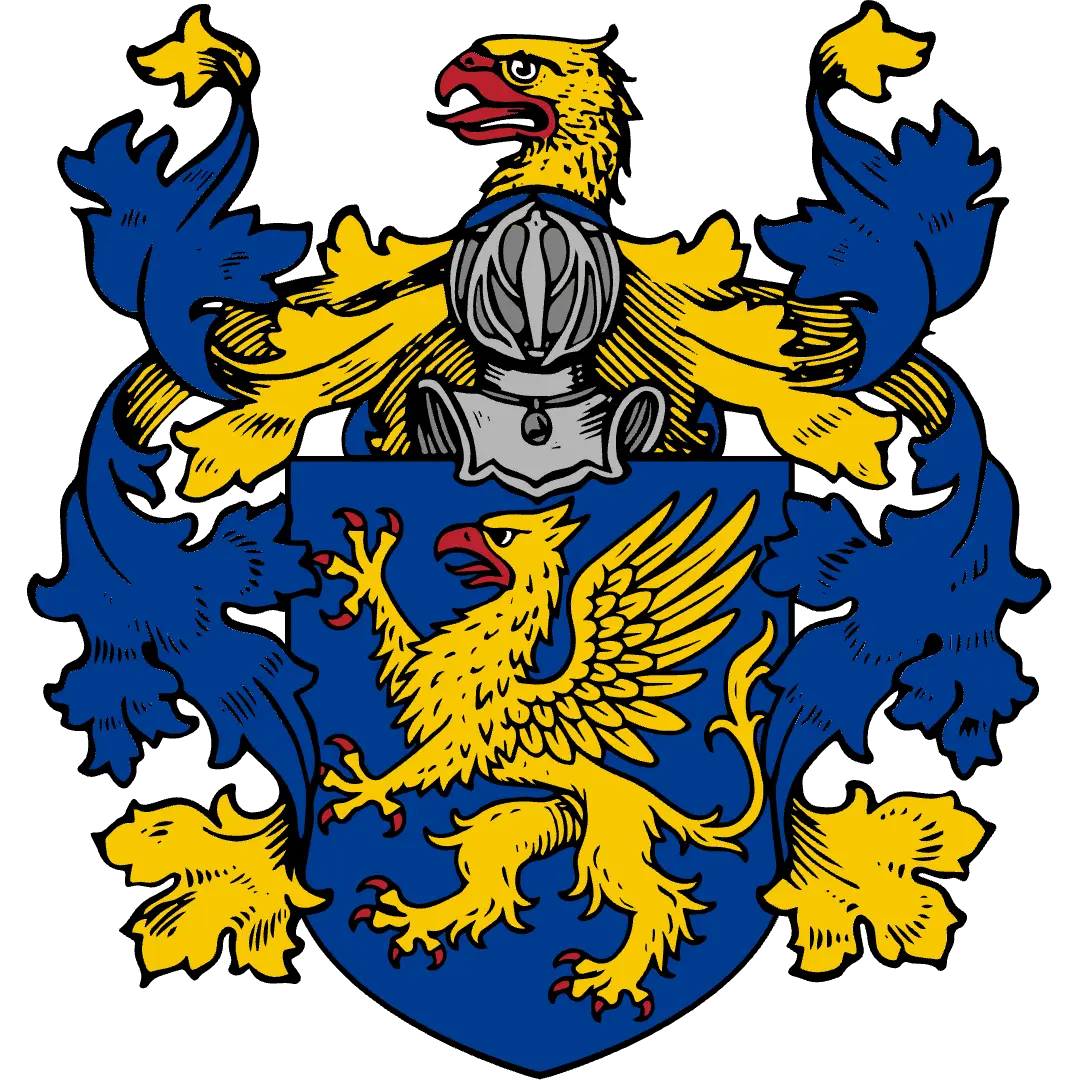
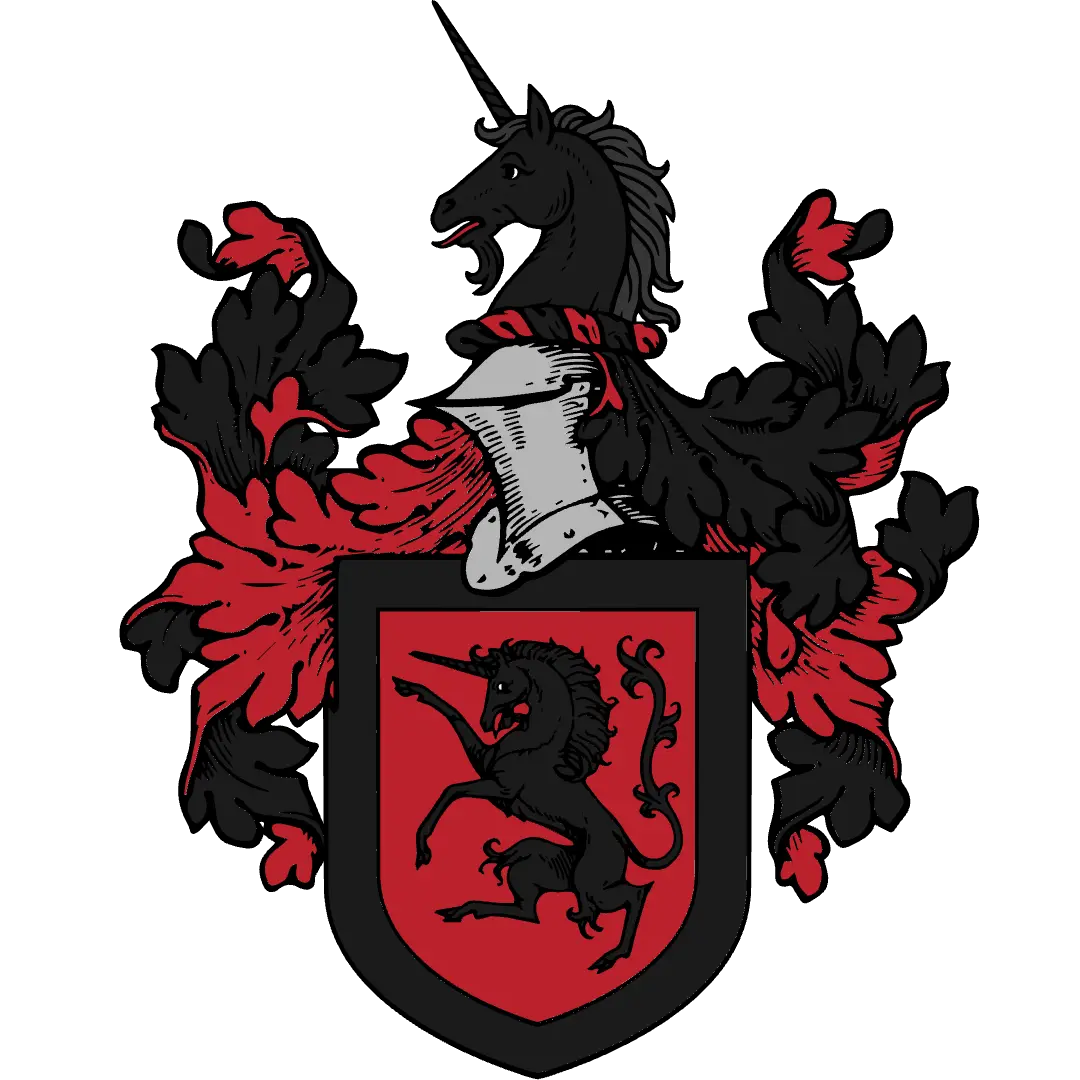
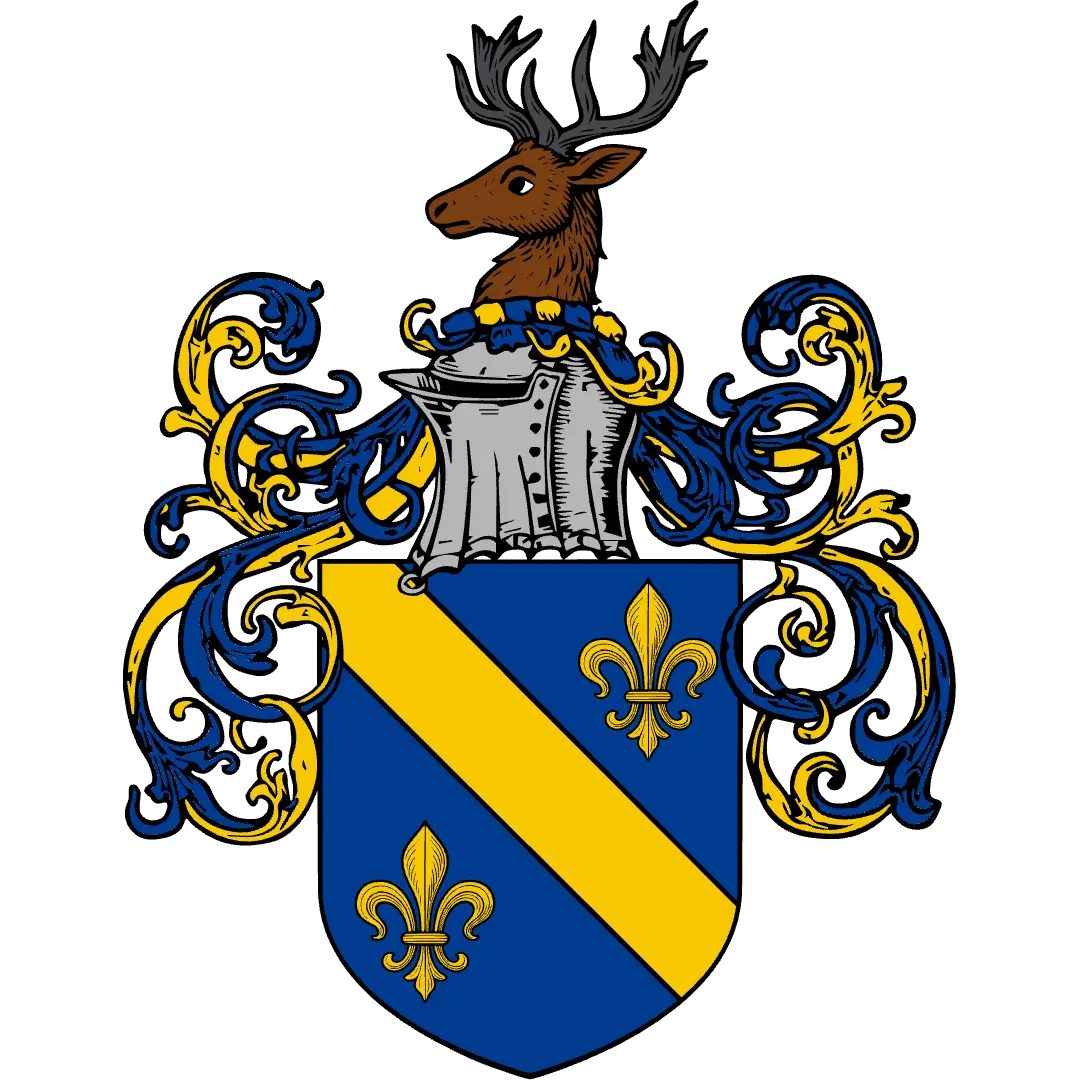
CoaMaker is a free coat of arms maker and family crest maker that runs in your browser on desktop, tablet, and phone, with no sign-up needed. Pick a shield, divide the field, add lions, eagles, crowns, and a motto, and download your design in HD. Created by Sven in 2021 and shaped by a community of tens of thousands, it helps families, worldbuilders, role-players, and teachers design original coats of arms, family crests, emblems, and sigils.
symbols
shield shapes
field patterns
ready-made shields
How to make a coat of arms in six steps
From a blank shield to a finished coat of arms, with no drawing skills needed.
Start with a shield
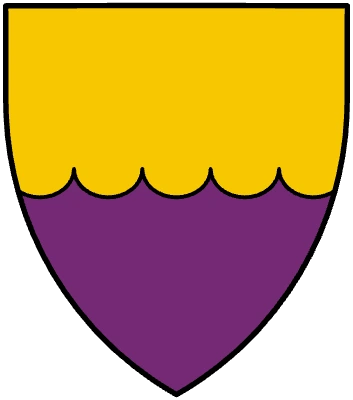
Choose from more than 200 ready-made shields and banners, from a plain field to a wavy chief.
Or make the field your own
Take one of 17 shapes and divide it your way: per pale, quarterly, chequy, or with a cross, a bend, or a chevron on top.
Give it a charge
A lion for courage, a tower for a stronghold, an oak for deep roots. Browse animals, objects, plants, and figures, and place them anywhere.
Crown the achievement
Set a helmet and mantling on top, add a crown, and let two supporters hold the shield.
Make the colors yours
Recolor every part of every symbol, or try the whole design in another palette.
Add a motto and download
Finish with a motto, then download your coat of arms as PNG, JPG, or PDF. No account needed.
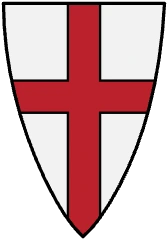
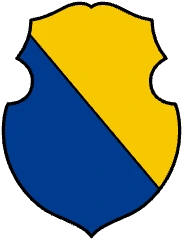
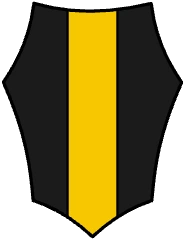
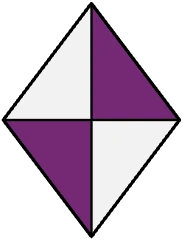
Start with one of 17 shield shapes
Heater, French, Iberian, German, Polish, kite, and Norman shields, a horsehead, two lozenges, a round shield, an oval, a Roman scutum, and more. Every shape is a clean vector outline: divisions, patterns, and charges are clipped to it automatically, and you can switch the shape at any time without rebuilding your design.
Prefer a banner? Use the flag shape in four ratios. In a hurry? The Shields menu holds more than 200 ready-made shields and banners that are already divided, from a simple pale to a wavy chief. With Pro, you can upload your own outline and use it like any built-in shape.
Design tools made for heraldry
Generic graphics apps make you draw every line of partition by hand. CoaMaker is a heraldry maker: it builds divisions, patterns, and ordinaries for you, and every part stays editable.
Divide the field
Six classic divisions, each with its own tinctures. The dividing line can run straight or take one of the decorative line styles, and per bend flips to bend sinister.
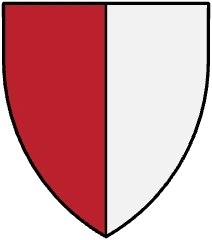
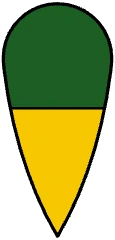
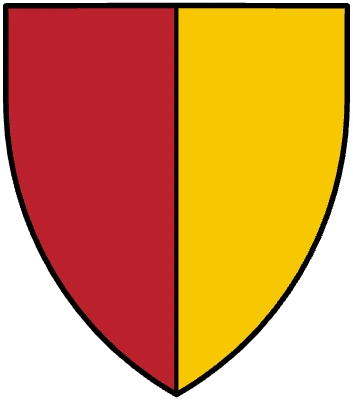
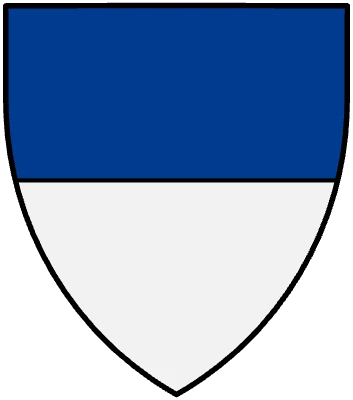
Per pale
Split down the middle.
Per fess
Split across.
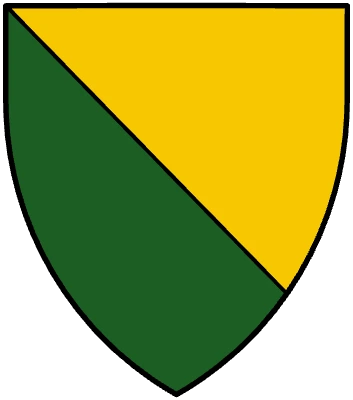
Per bend
Split diagonally.
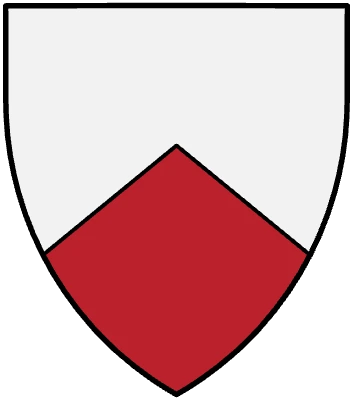
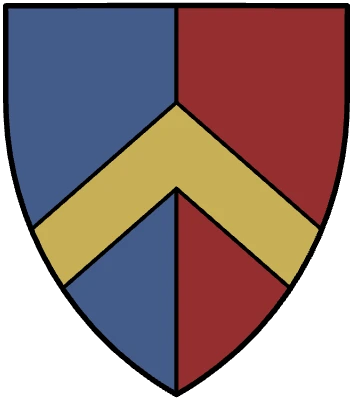
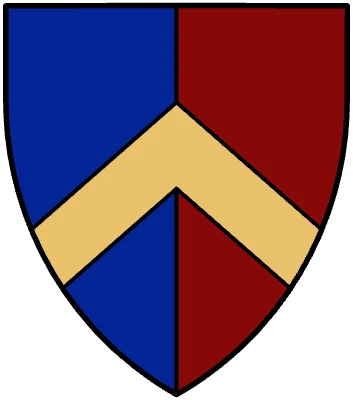
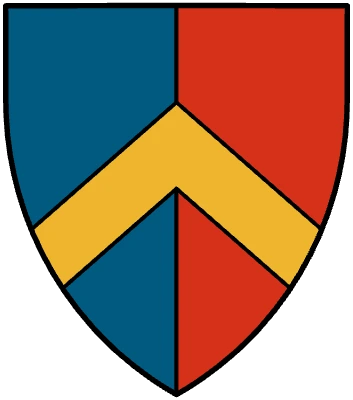
Per chevron
Split by a rising point.
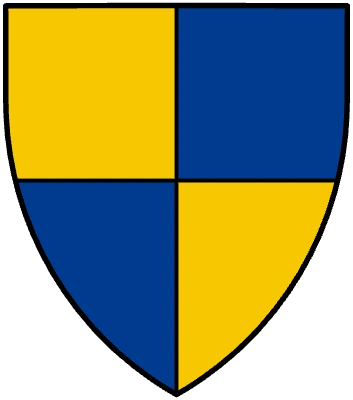
Quarterly
Four quarters, per cross.
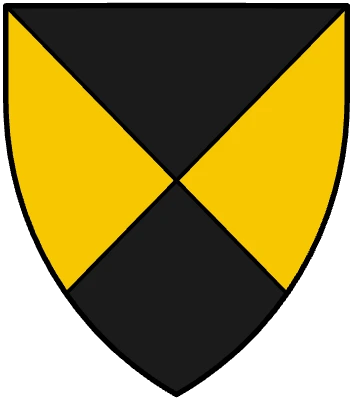
Per saltire
Four diagonal parts.
16 field patterns and four furs
Cover the whole field or a single division with a pattern, and set the number of pieces yourself. Vair comes in three variants, semé scatters any symbol across the field, and ermine, ermines, erminois, and pean are ready as furs.
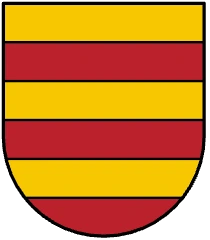
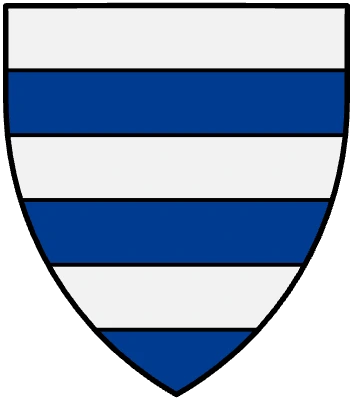
Barry and paly
Horizontal or vertical bands.
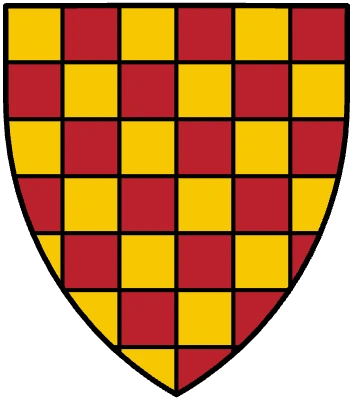
Chequy
A chessboard of two tinctures.
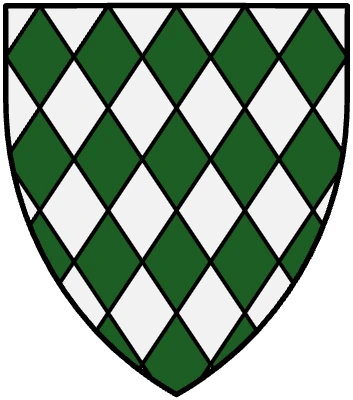
Lozengy
A field of diamonds.
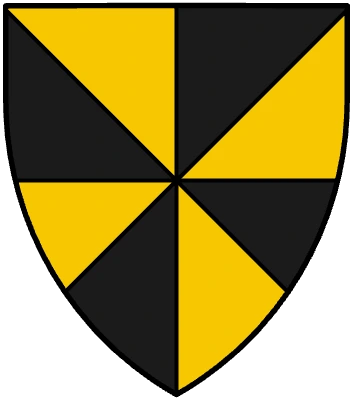
Gyronny
Wedges around the centre.
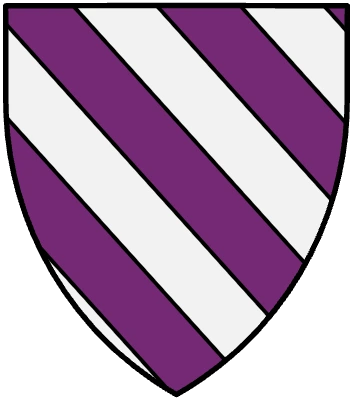
Bendy
Diagonal bands, either way.
14 ordinaries
Lay a cross, bend, fess, pale, chief, chevron, pile, pall, saltire, canton, or bordure over any field. Each ordinary is its own layer with its own tincture.
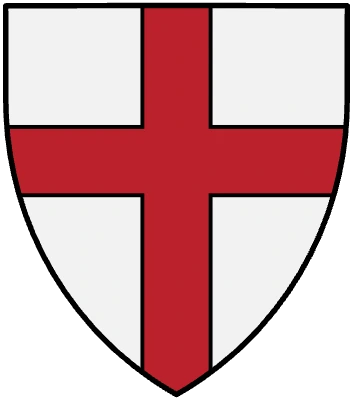
Cross
The best-known ordinary.
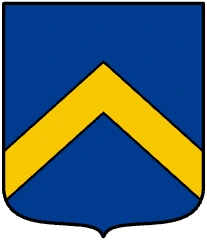
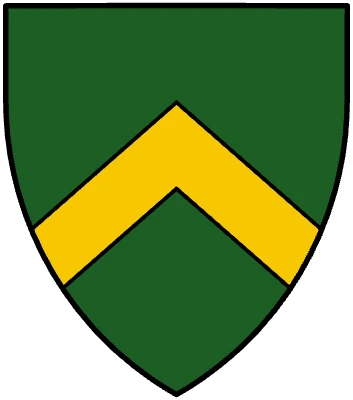
Chevron
A rafter across the field.
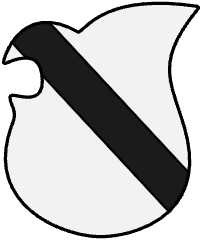
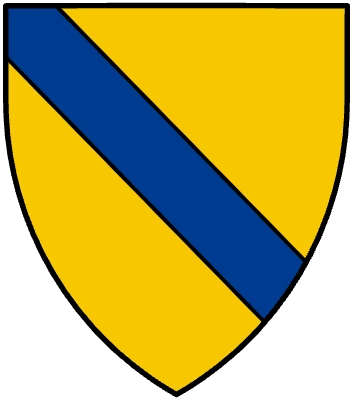
Bend
A diagonal band.
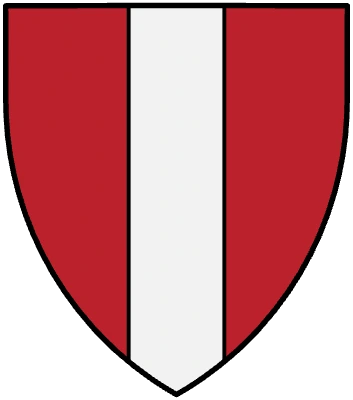
Pale
A vertical band.
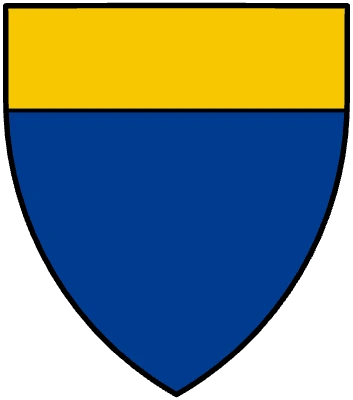
Chief
A band across the top.
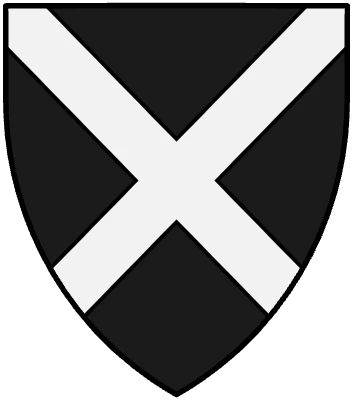
Saltire
A diagonal cross.
12 line styles
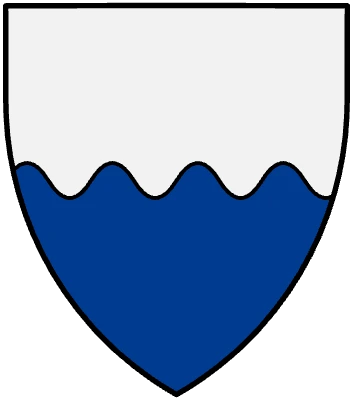
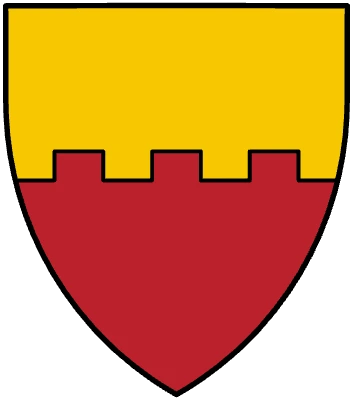
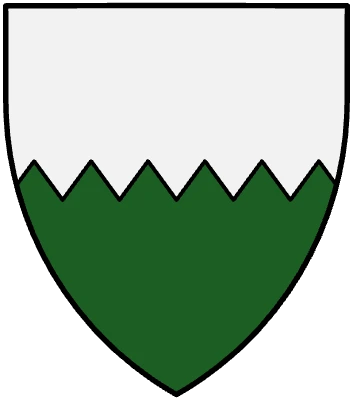
Lines don’t have to run straight. Shape the edges of divisions and ordinaries: wavy, indented, engrailed, invected, embattled, dovetailed, potenty, ragulé, and more, with adjustable size and frequency.
Wavy
For water, rivers, and the sea.
Embattled
Like the top of a castle wall.
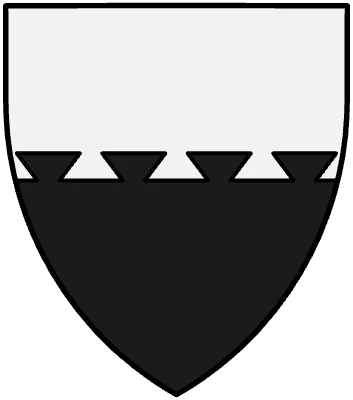
Indented
A row of sharp teeth.
Engrailed
A scalloped edge.
Dovetailed
Like a carpenter’s joint.
1,000+ symbols
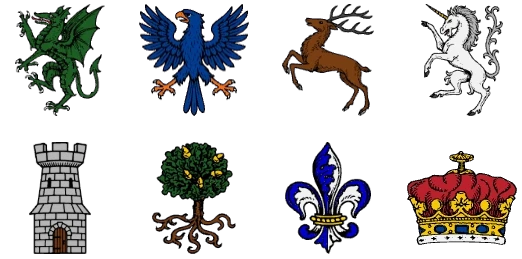
More than 350 animals and mythical creatures, plus weapons, towers, crowns, plants, people, crosses, and classic charges such as the mullet and annulet. New symbols often come straight from requests on our Vote for Features board.
7 palettes of heraldic tinctures
Switch the whole design to another color palette, such as Forgotten Realm, Vampire Castle, or Seven Seas. Each palette holds the heraldic tinctures in its own shades: Or, Argent, Gules, Azure, Vert, Sable, and Purpure. With Pro, you can save your own palettes.
Curved and ring text
Set a motto in a straight line, along an arc, or all the way around an emblem. Choose from blackletter, uncial, and other medieval-looking fonts.
Recolor every part
Change each color inside a symbol separately: mane, claws, tongue, crown. Fill with a flat tincture, a gradient, stripes, or a fur, or countercharge a symbol against the field behind it.
With or without borders
Shields and patterns come with black outlines. Make the lines thicker or thinner, or switch them and the shield border off for a flat coat of arms without borders.
Random coat of arms generator
Out of ideas? Generate random arms and keep editing whatever sparks something.
Precise editing
Layers, smart guides, alignment tools, groups, crop, a brush, and 50 steps of undo. Works with a mouse or with touch on phones and tablets.
Export, print, and share
Download your coat of arms as PNG with a transparent background, as JPG, or as PDF, at up to four times the canvas resolution for print. Set the canvas to any size, or pick a preset for A4, US Letter, or social media. Print directly from the browser, or share your design from your phone.
- PNG
- Transparent background
- JPG
- Up to 4× resolution
- Share
Go beyond the shield
A complete coat of arms is more than a shield. Set a helmet and mantling on top, crown it, place a supporter on either side, stand everything on a compartment, and finish with a motto on a banner. Every piece can be recolored to match your tinctures.
- Helmets and mantling in cloth, leaf, feather, and fur
- 70+ crowns, coronets, and hats
- 60+ supporters: lions, eagles, dragons, gryphons, angels
- Compartments of grass, stone, and mural work
- Motto banners, torses, flags, and pennants
For families, worldbuilders, gamers, and schools
Families
A family coat of arms maker for your name, home, and values. See the guide to designing your own family crest.
Worldbuilders & writers
Arms for kingdoms, noble houses, guilds, and orders. Need a name? Try the name generators.
Gamers & role-players
Heraldry for characters, factions, and campaigns. More ideas in the fantasy crest and emblem maker.
Teachers & students
A free tool for school heraldry projects. It runs in the browser, so there’s nothing to install.
What is a coat of arms?
A coat of arms is a heraldic design built around a shield. Tinctures, divisions, and charges, the symbols placed on the shield, work together to identify its bearer and tell a story.
Coat of arms or family crest?
In formal heraldry the crest is only the figure above the helmet. In everyday language, “family crest” usually means the whole family coat of arms. Read more about the parts of a coat of arms.
The rule of tincture
Put a color on a metal, or a metal on a color. A gold lion on blue reads from a distance; a red lion on blue does not. Treat it as a reliable starting point, and see what heraldic colors mean.
A free emblem maker, too
Not every mark needs a full achievement. Use CoaMaker as a free online emblem maker: keep the shield or drop it, pick one strong symbol, add initials or ring text, and you have an emblem or sigil for a guild, team, game, or personal project.
Good to know: CoaMaker creates original designs. It does not verify ancestry, prove ownership of historical arms, or grant official heraldic status.
Get inspired by arms from other designers
Browse thousands of coats of arms, family crests, and fantasy emblems made by other users. Like and follow your favourite designers. With Pro, you can clone any shared design and use it as your template. Want feedback or help? Sven and the community are on Discord.
Made for people who love heraldry
“This is such a great online tool! I love the images you can create – such a fun way to learn about heraldry.”
“I checked out a few other Coa generators, but this is the most fun to use – mostly because of the well-selected artwork.”
“Thank you for creating such an amazing tool. It’s been incredibly helpful for my worldbuilding.”
“As we say here: ‘You da man!’ Many thanks. I am really enjoying this program. Keep up the great work.”
What’s free, and what Pro adds
Free
$0, with ads
- The full editor on desktop, tablet, and phone
- All 17 shield shapes, divisions, patterns, and ordinaries
- Hundreds of symbols, crowns, helmets, and supporters
- Heraldic tinctures, 7 palettes, and medieval-looking fonts
- Text, curved text, and ring text
- HD export as PNG, JPG, and PDF, with no account needed
- Your current design is kept in your browser
Pro
from $5.99/month or $99 once
- All 1,000+ symbols, including 600+ Pro-only ones
- Upload your own images and turn them into recolorable vectors
- Upload your own shield outline
- Save custom palettes
- Save designs to your account and open them on any device
- Use thousands of gallery designs as templates
- Export many designs at once as a ZIP
- No ads. Commercial license with Advanced and Lifetime
Frequently asked questions
Is CoaMaker free?
Yes. The editor, all 17 shield shapes, the pattern maker, hundreds of symbols, and HD export are free. The free version shows ads. Pro removes them and adds the full symbol library, uploads of your own images, custom palettes, and designs saved to your account.
Do I need an account?
No. Open the editor, design your coat of arms, and download it without signing up. The design you are working on is kept in your browser. An account is only needed for Pro features and for liking and following in the gallery.
Do I need to know the rules of heraldry?
No. You work by shape and color, and the editor names the parts for you. If historical accuracy matters to your project, the heraldry wiki explains tinctures, ordinaries, charges, and the parts of an achievement.
What is the difference between a coat of arms and a family crest?
A coat of arms is the whole design built around a shield. In formal heraldry the crest is only the figure above the helmet, but in everyday language “family crest” usually means the complete family coat of arms. CoaMaker makes both, as well as free-form emblems and sigils.
Can I create a new family crest?
Yes. You can design a personal or family symbol from scratch. CoaMaker creates original designs: it does not look up historical arms, verify ancestry, or grant official heraldic status.
Can I make arms for a fictional family or kingdom?
Yes. The editor works well for houses, realms, factions, guilds, and characters, and reusing colors and charges gives one world a related set of arms. See the fantasy crest, banner, and emblem maker for ideas.
Can I make a coat of arms without black borders?
Yes. Shields and patterns are drawn with black outlines by default. In the pattern maker you can change the line width, set it to zero, and switch off the shield border to get a flat design without outlines.
Which file formats can I download?
PNG (including a transparent background), JPG, and PDF, at up to four times the canvas resolution. On desktop you can also print directly.
Does CoaMaker work on phones and tablets?
Yes. The editor has its own layouts for phones and tablets and works with touch, and you can share a design straight from your phone.
Can I use my design commercially?
Commercial use is included with the Advanced Pro and Lifetime Pro plans. Everything else is for non-commercial use. See the license page for details.
Where are my designs saved?
On the free plan, the design you are currently working on is kept in your browser. With Pro, you save as many designs as you like to your account and open them on any device.
Sven, maker of CoaMaker
Hi, I’m Sven. I build CoaMaker.
I made CoaMaker in 2021 because I wanted a coat of arms for my own role-playing character and found no tool flexible enough. What began as a personal project is now used by tens of thousands of worldbuilders, role-players, teachers, artists, and heraldry enthusiasts.
I still develop it myself. I add new symbols and features every month, read every feature request, and answer questions on Discord. CoaMaker is independent, and the people who use it shape where it goes.
Ready to design your coat of arms?
Network, friends, and allies
We are proud to be part of a network of fellow roleplaying enthusiasts.